Keep the big picture.
Pick a waypoint, set a heading or start a Frequency Jump from the second screen. Open the full system map there, then return to the four-panel view.
Playable multiplayer alpha · A cockpit for two screens
Your uplink. Your ship. Your next move. Command an automated spacecraft across six faction systems. Build a fit, pick a fight, chase a fortune—or follow a signal into the unknown.
Windows 10/11 · portable ZIP · 0.89.0 · release 203: Anchor Rift salvage, paired encounters and five distinct drive designs · incremental updates
Give your second monitor a mission
Keep flying on your main screen. Turn the other into a dedicated command display: your system map, live navigation, a close look at your selected target, and chat that is always ready.
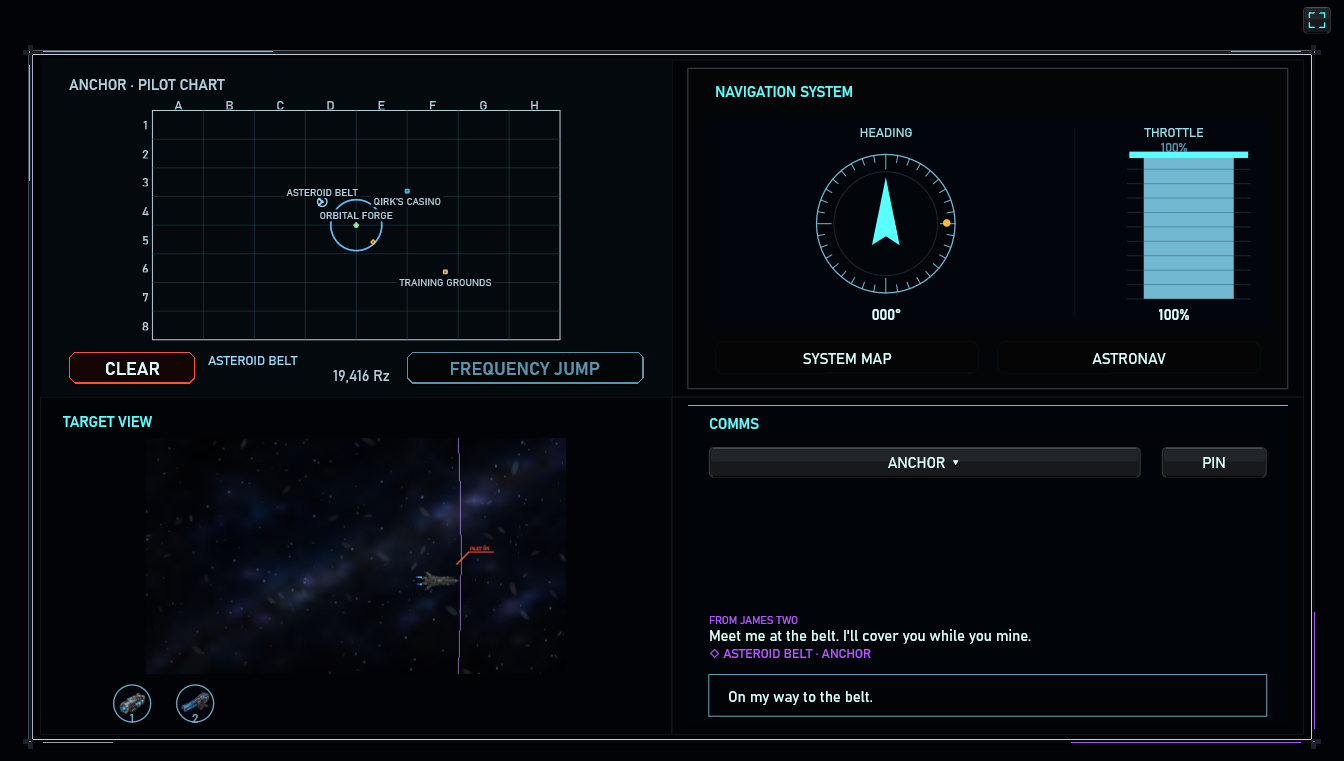
Pick a waypoint, set a heading or start a Frequency Jump from the second screen. Open the full system map there, then return to the four-panel view.
A dedicated camera follows the selected contact. Assign weapons below it while keeping your main flight view clear. Your ship's sensor range still defines what you can see.
Chat stays visible and ready beside your navigation. Send a private message or share a clickable waypoint with your group. Mouse controls keep working while you type.
Have two monitors in an extended desktop? Click the monitor icon at the top right to open the companion window, move it to your other display and use its fullscreen icon. Close it and chat returns to the main cockpit. Also available in Controls & Display.
Captain by uplink
You are the pilot and commander of a fully automated ship, linked in from afar. There is no onboard crew: your orders set the course, acquire targets and put the fitted systems to work.
Lost Frequency brings the motion and danger of a space shooter to deliberate, real-time command. Set an orbit. Split your weapons across targets. Spend capacitor on firepower—or save enough to break a lock and escape. The action keeps moving while you choose.
Take the controls →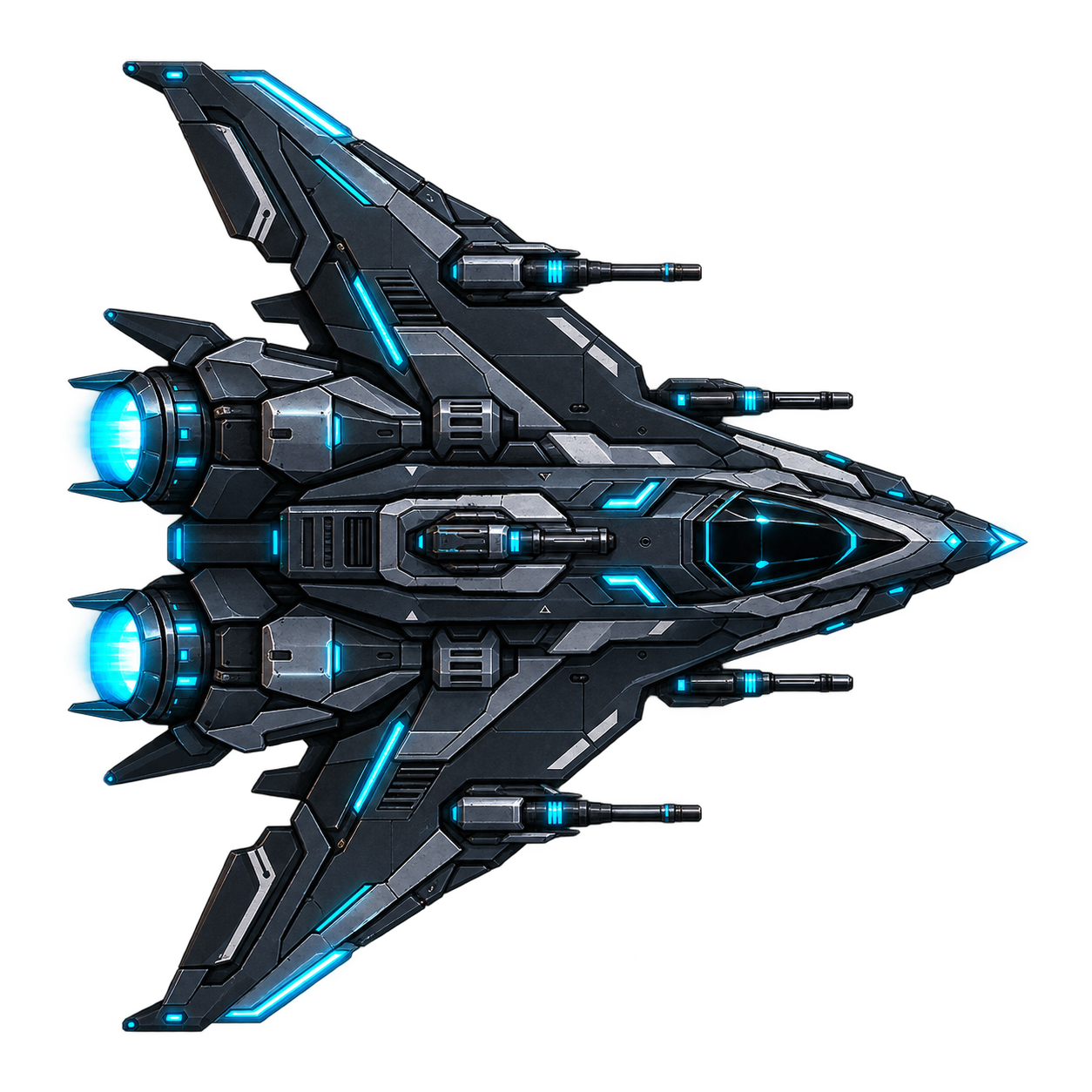
Your decisions. The ship carries them out.
Make your own reason to undock
Start with a free fitted Viper. Learn its limits, earn your first Burst, and build toward the ship you want to command. Play solo, bring a friend, or cross paths with another pilot.
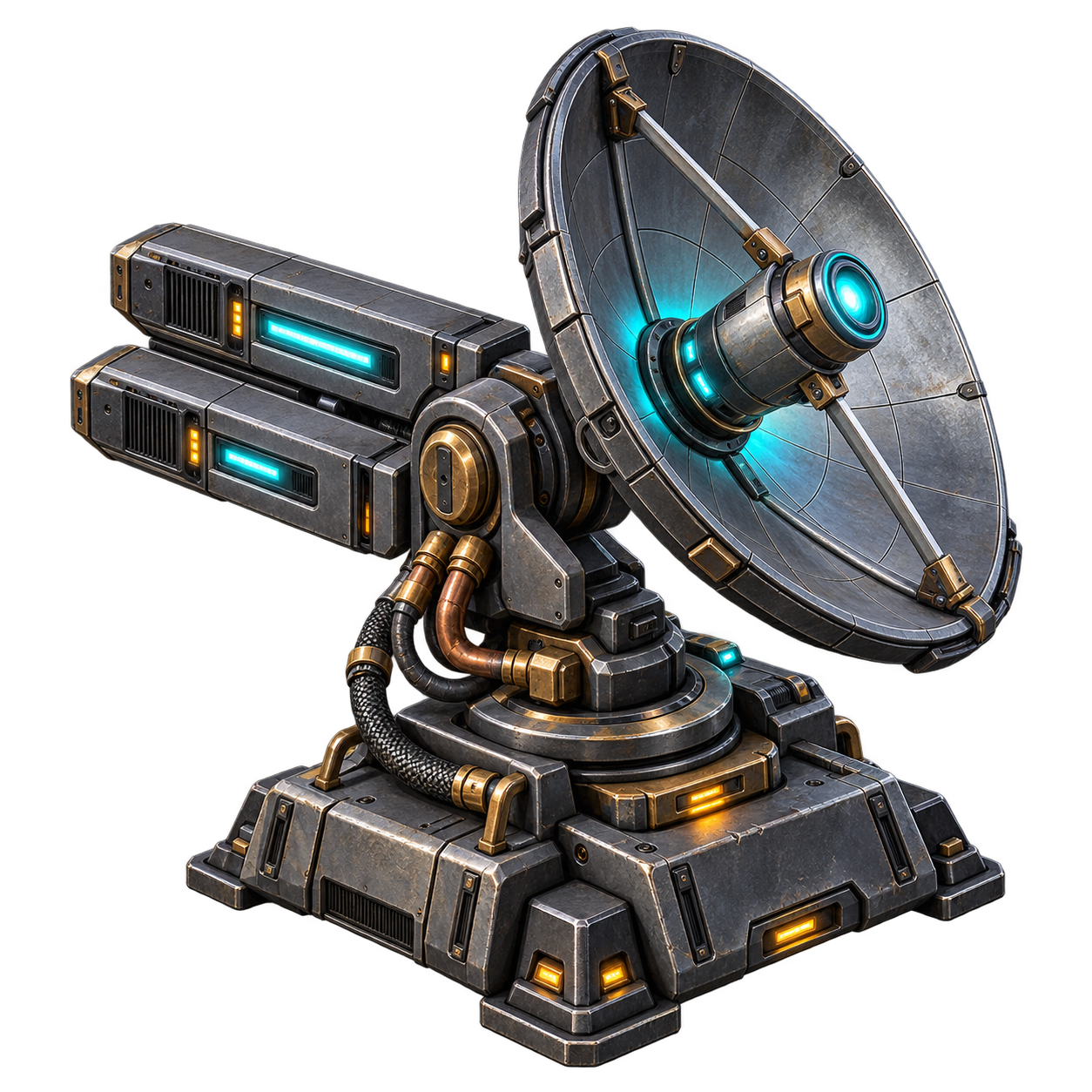
Chart unexplored ground across six faction systems. Discover stations, asteroid belts and Frequency Rifts. Tune your allegiance and share a group subfrequency with friends.
Explore the systems →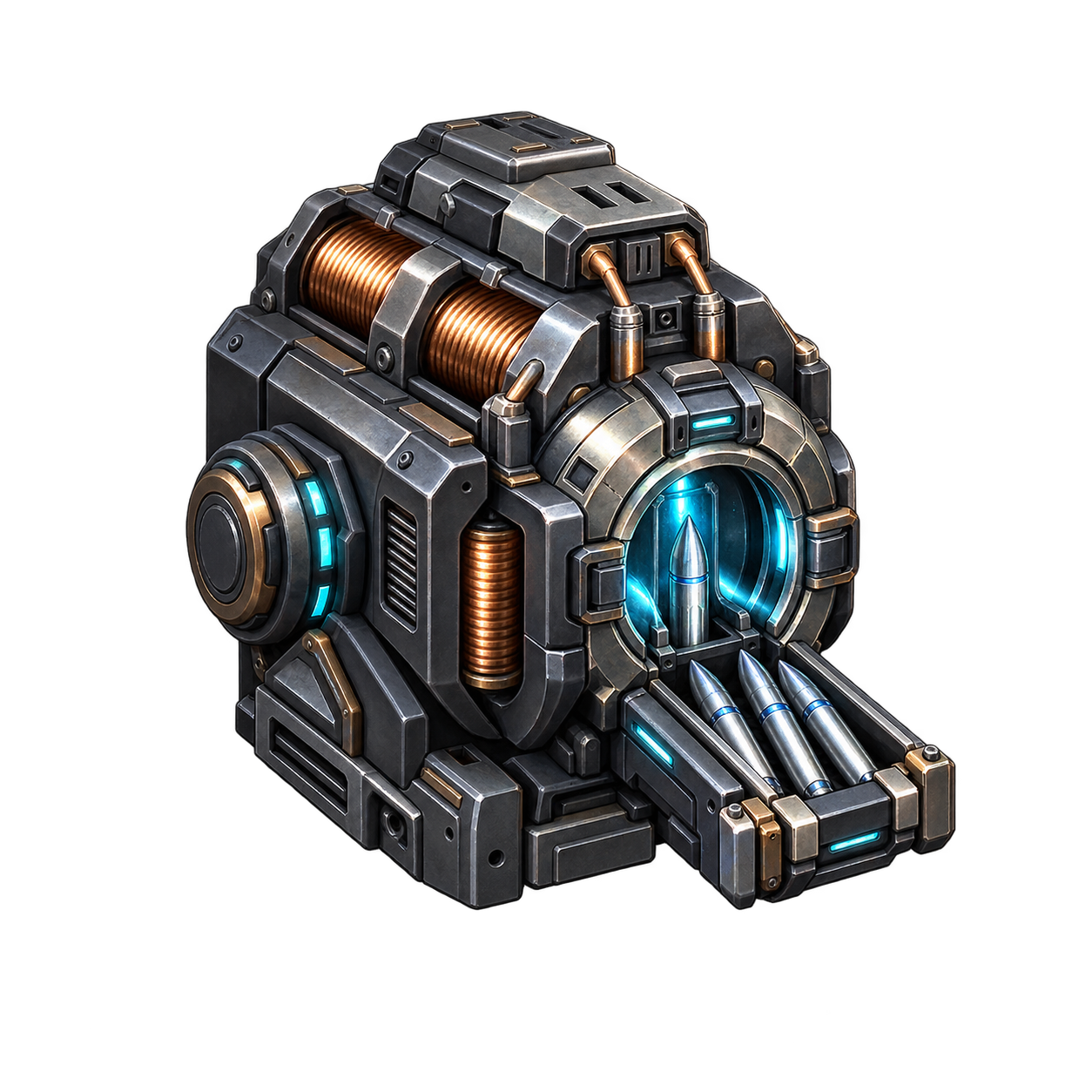
Mine a seam, fill a depot order or recover your next upgrade from combat. Laser Extraction Power meets ore resistance; a richer rock takes more work. Fit the loot, sell it or save it in your Forge Vault.
Find your hardware →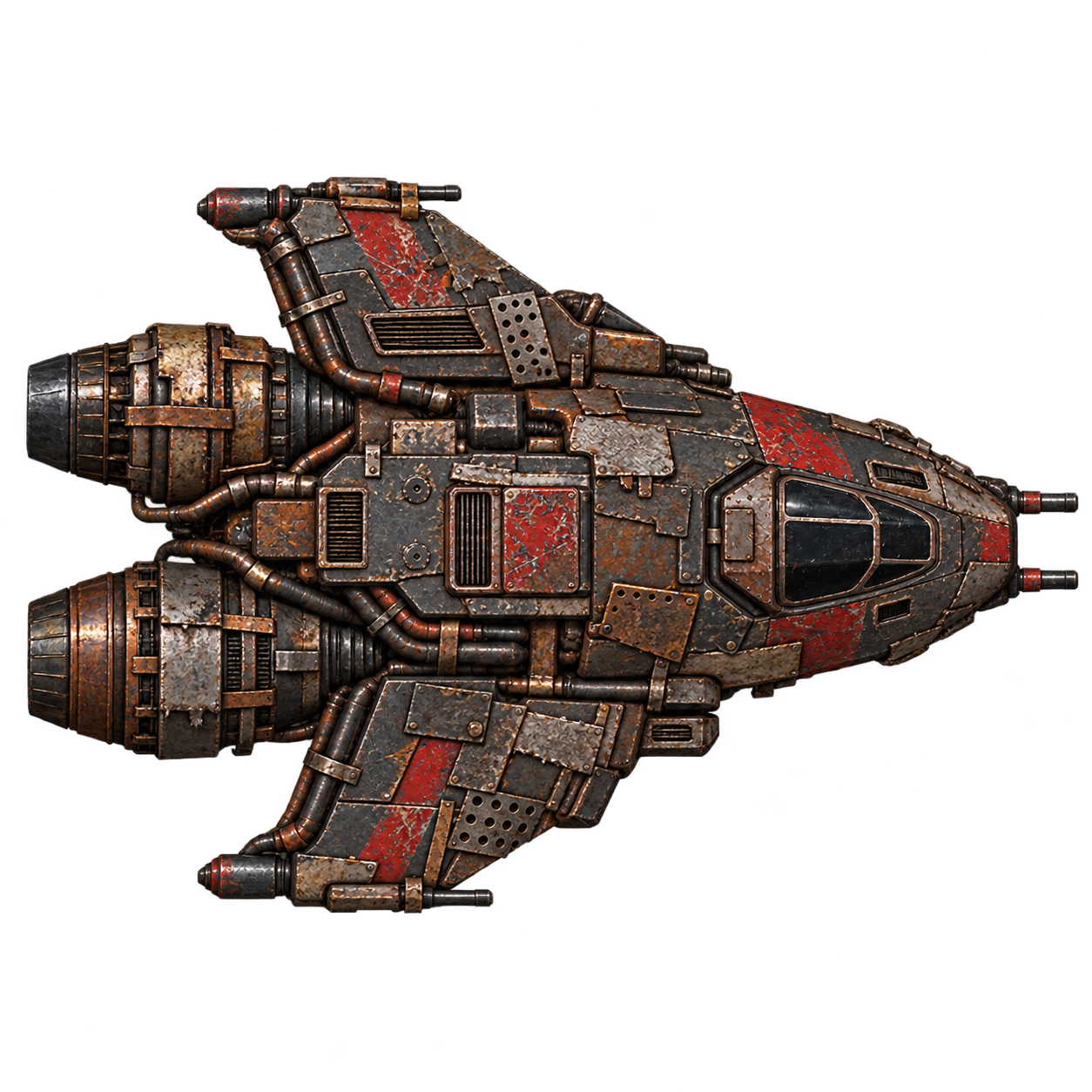
Answer an Anchor pirate alert and help local traffic against battered Scrap Raiders. A starter Viper can fight for Burst and useful hardware. Or take a free Easy Escort: protect the convoy for about ten minutes and earn 150 Burst.
Plan your first outing →Your first uplink
Start at an Orbital Forge with a fitted Viper. Explore, mine, trade, hunt raiders, take contracts or practise a fight. Your ship is yours to develop; there is no separate play-mode selection.
Issue navigation orders, select targets and assign your weapons. The refreshed Pilot Guide explains starter combat, mining and contracts. In a Frequency Rift, NAV offers Escape Rift: a vulnerable 15-second return carrying your ship and cargo back to the parent Forge.
How to play →Hull capacity, six core items and per-hardpoint weapon compatibility make your choices visible. Compare hardware before replacing it at the Forge.
Browse ships & equipment →The shipyard
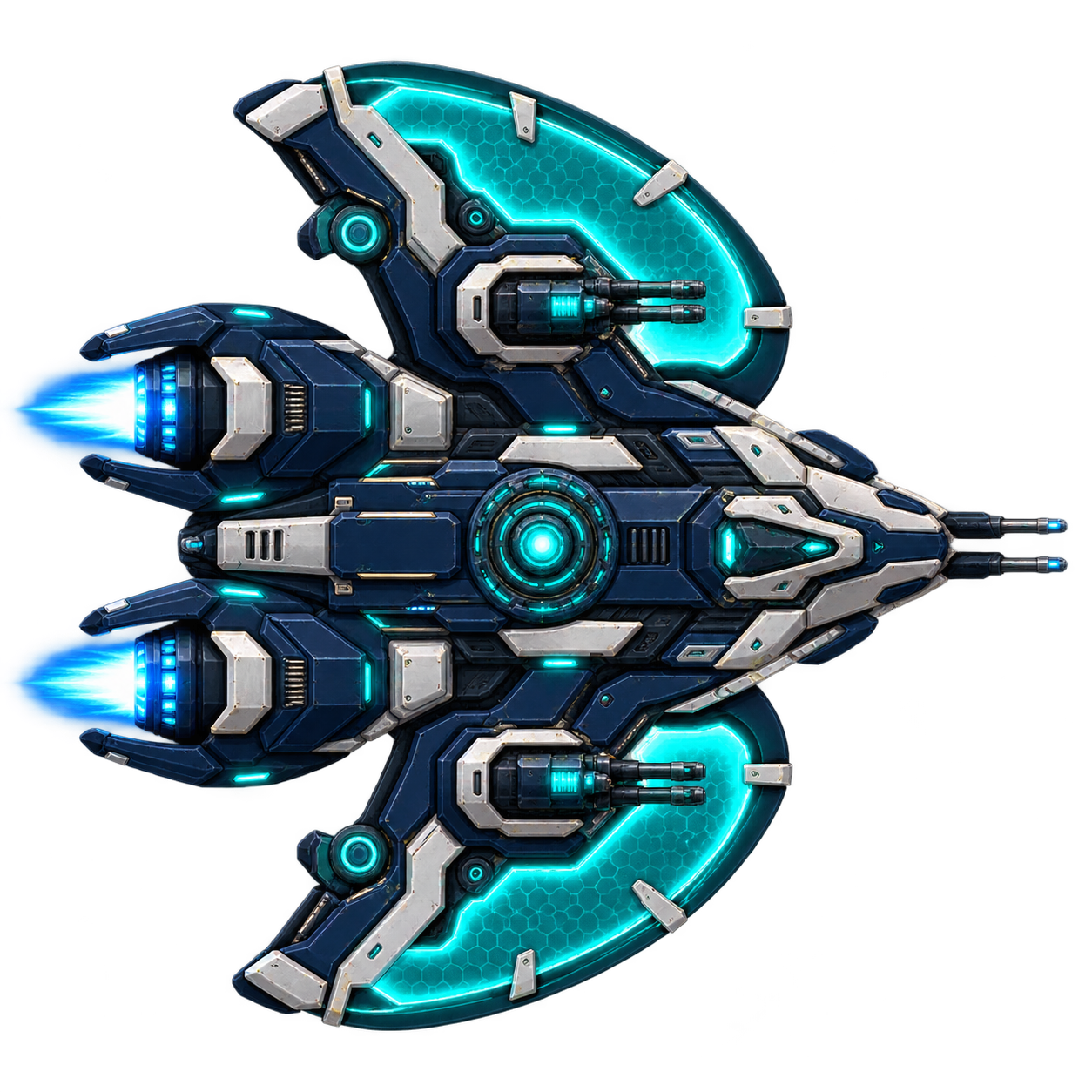
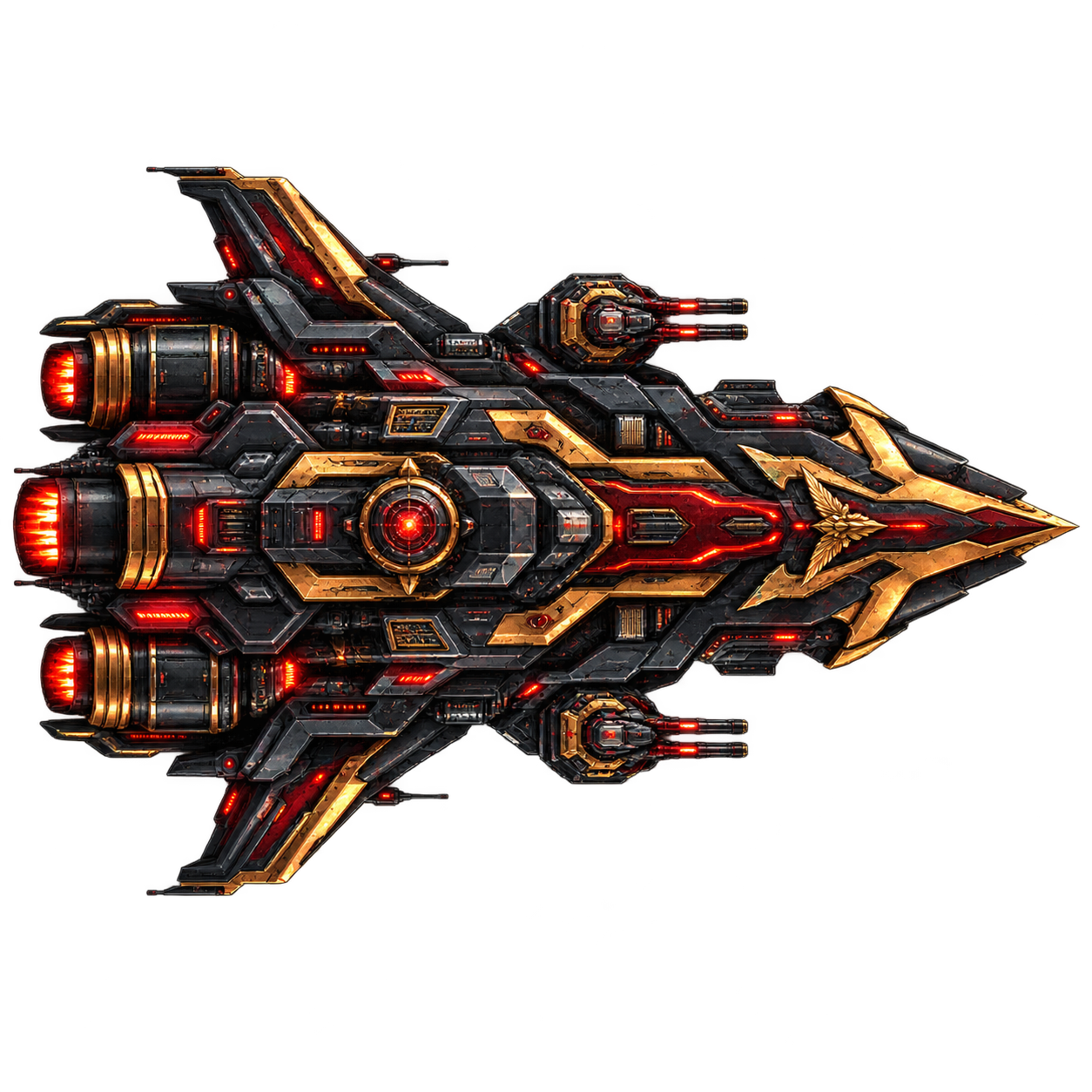
Eight Frigates, five Gunships and five Mining Ships provide eighteen standard frames. The catalogue also documents an unavailable specialist test hull. Bare hulls define dimensions, mass, durability, CU and mounting rules. Fitted cores supply propulsion, shields, energy and sensors. These three Frigates are bare frames; the hardware guide separates hull specifications from a complete starter fit.
Alpha systems online
Lost Frequency is a small, actively built multiplayer experiment. Download the current Windows build, create a pilot, and see what survives contact with the void—and with the developers.